
Wireshark 书写Lua插件
未书写插件前
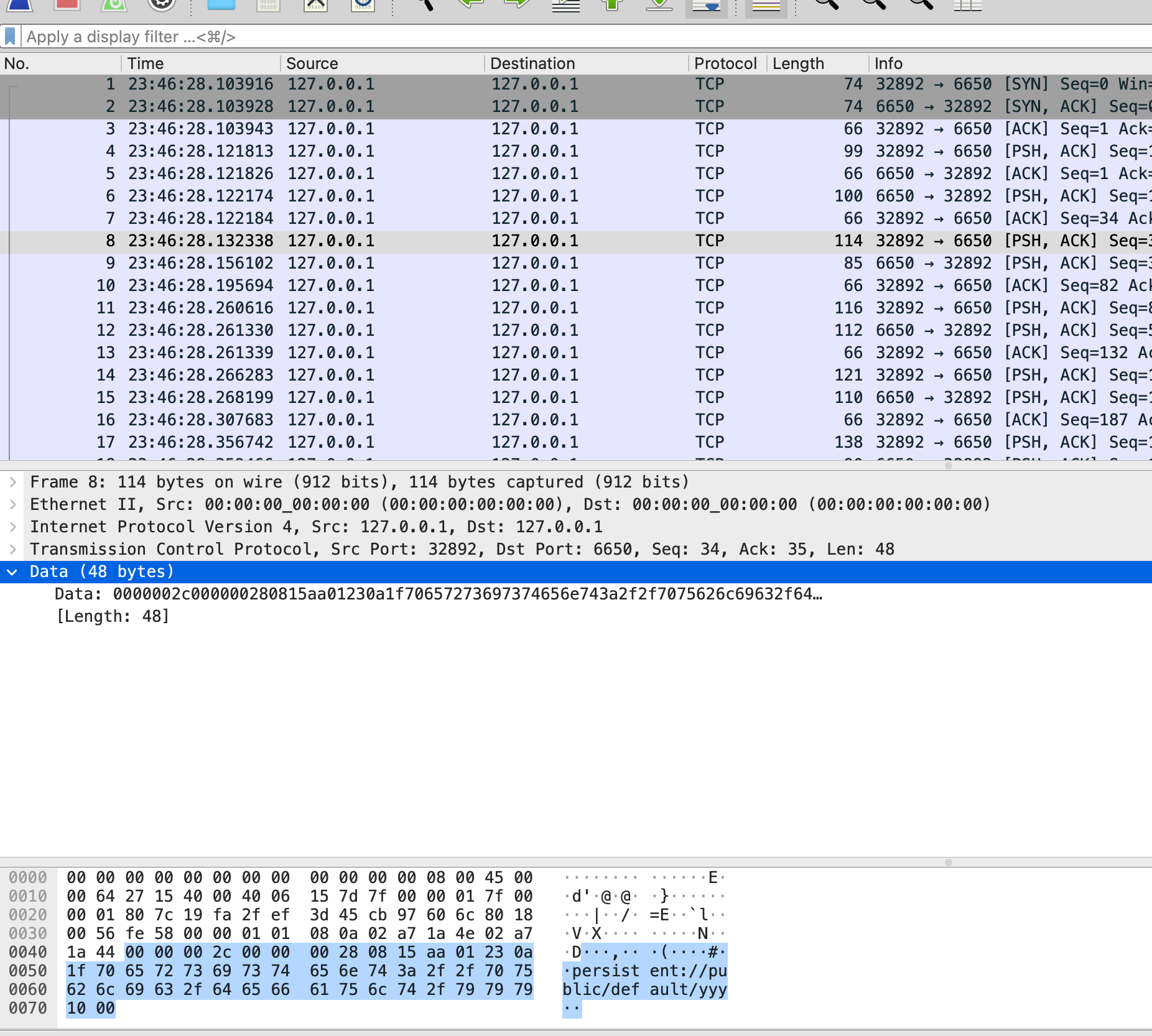
wireshark的协议不支持之前,报文几乎难以分析,举例如下
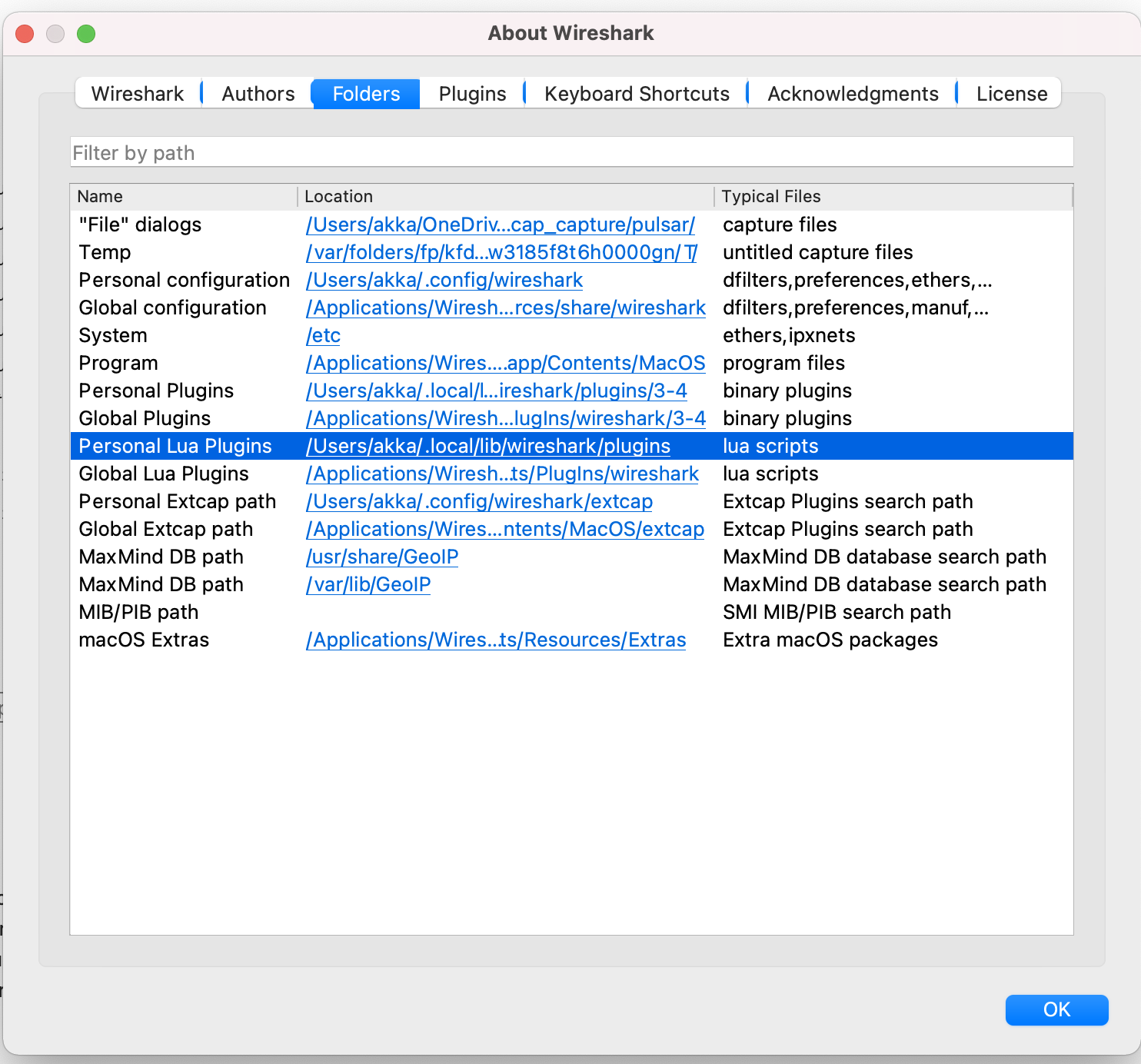
Wireshark插件路径
MAC
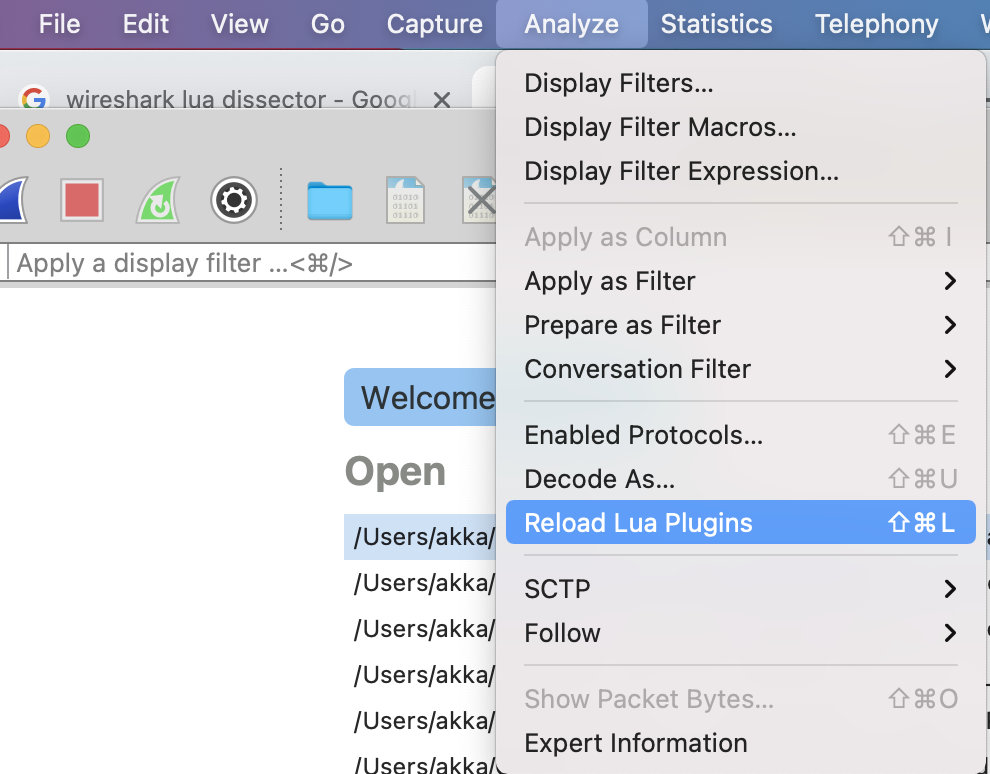
重新加载Wireshark中的lua插件
MAC
从一个新协议的样板开始
pulsar_protocol = Proto("Pulsar", "Pulsar Protocol")

pulsar_protocol.fields = {}

function pulsar_protocol.dissector(buffer, pinfo, tree)
    length = buffer:len()
    if length == 0 then
        return
    end
    pinfo.cols.protocol = pulsar_protocol.name
    local subtree = tree:add(pulsar_protocol, buffer(), "Pulsar Protocol Data")
end

local tcp_port = DissectorTable.get("tcp.port")
tcp_port:add(6650, pulsar_protocol)我们从协议对象开始,命名为pulsar_protocol。构造函数两个参数分别为名称和描述。协议需要一个fields表和dissector函数。我们现在还没有任何field,所以fields表为空。对于每一个报文,dissector函数都会被调用一次。
dissector函数有三个入参,buffer,pinfo,和tree。buffer包含了网络包的内容,是一个Tvb对象。pinfo包含了wireshark中展示packet的列信息,是一个Pinfo对象。tree是wireshark报文详情显示的内容,是TreeItem对象。
在dissector函数中,我们检查buffer的长度,如果长度为0,则立即返回
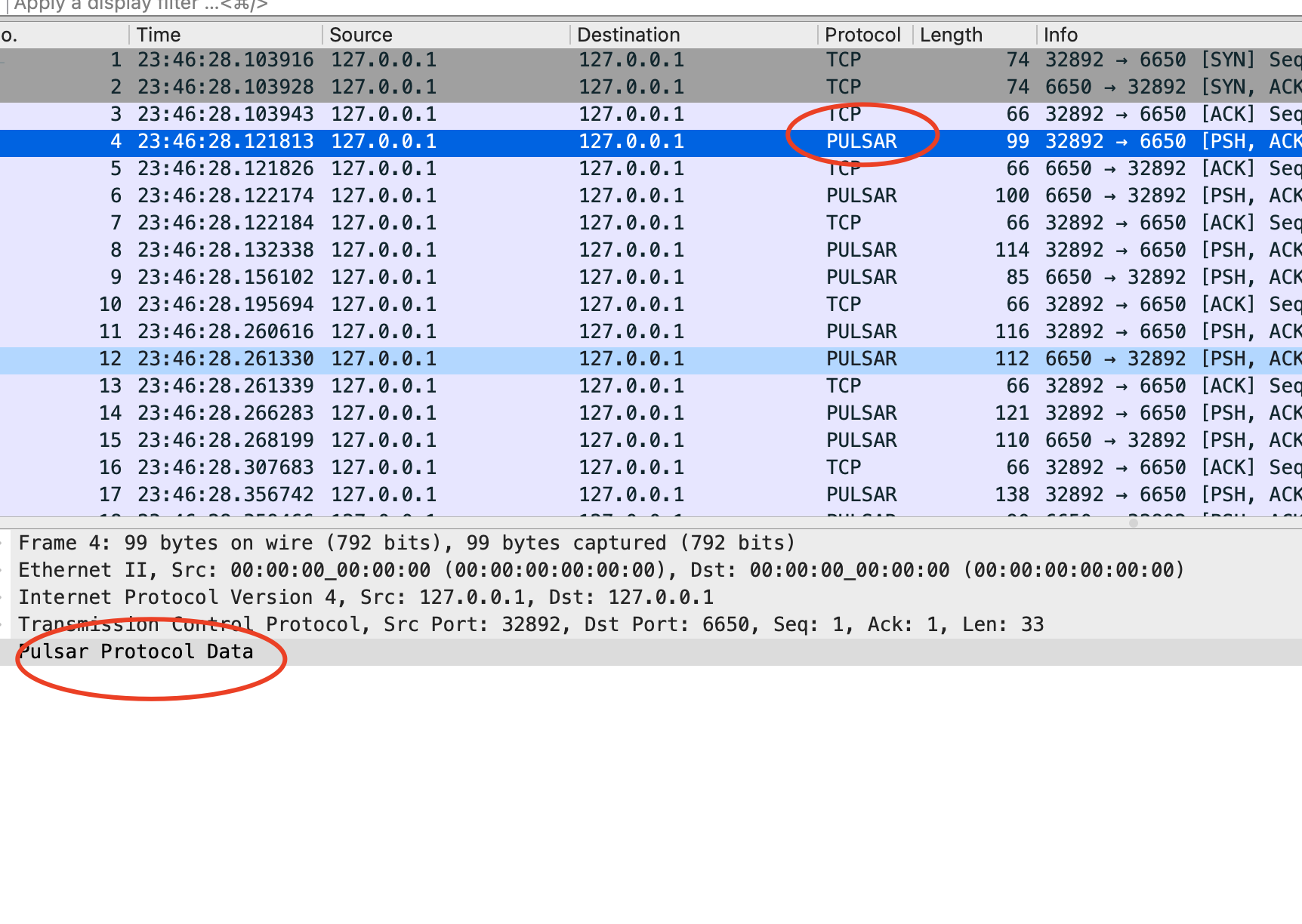
pinfo对象包含着列信息,我们可以将pinfo的protocol设置为pulsar,显示在wireshark的界面中。接下来在packet的结构中创建一个子树,最后,我们把协议绑定到6650端口上。让我们加载这个lua插件
mkdir -p ~/.local/lib/wireshark/plugins
cp $DIR/../../pulsar_dissector.lua ~/.local/lib/wireshark/plugins/pulsar_dissector.lua
结果符合预期
添加长度字段
让我们添加一个长度字段,pulsar协议中,长度字段即就是前4个字节,定义字段
message_length = ProtoField.int32("pulsar.message_length", "messageLength", base.DEC)

pulsar_protocol.fields = { message_length }pulsar.message_length可以用在过滤器字段中。messageLength是子树中的label。第三个字段决定了这个值会被如何展示
最后,我们把长度值加入到Wireshark的tree中
subtree:add(message_length, buffer(0,4))pulsar的协议是大端序,我们使用add函数。如果协议是小端序,我们就可以使用addle函数。
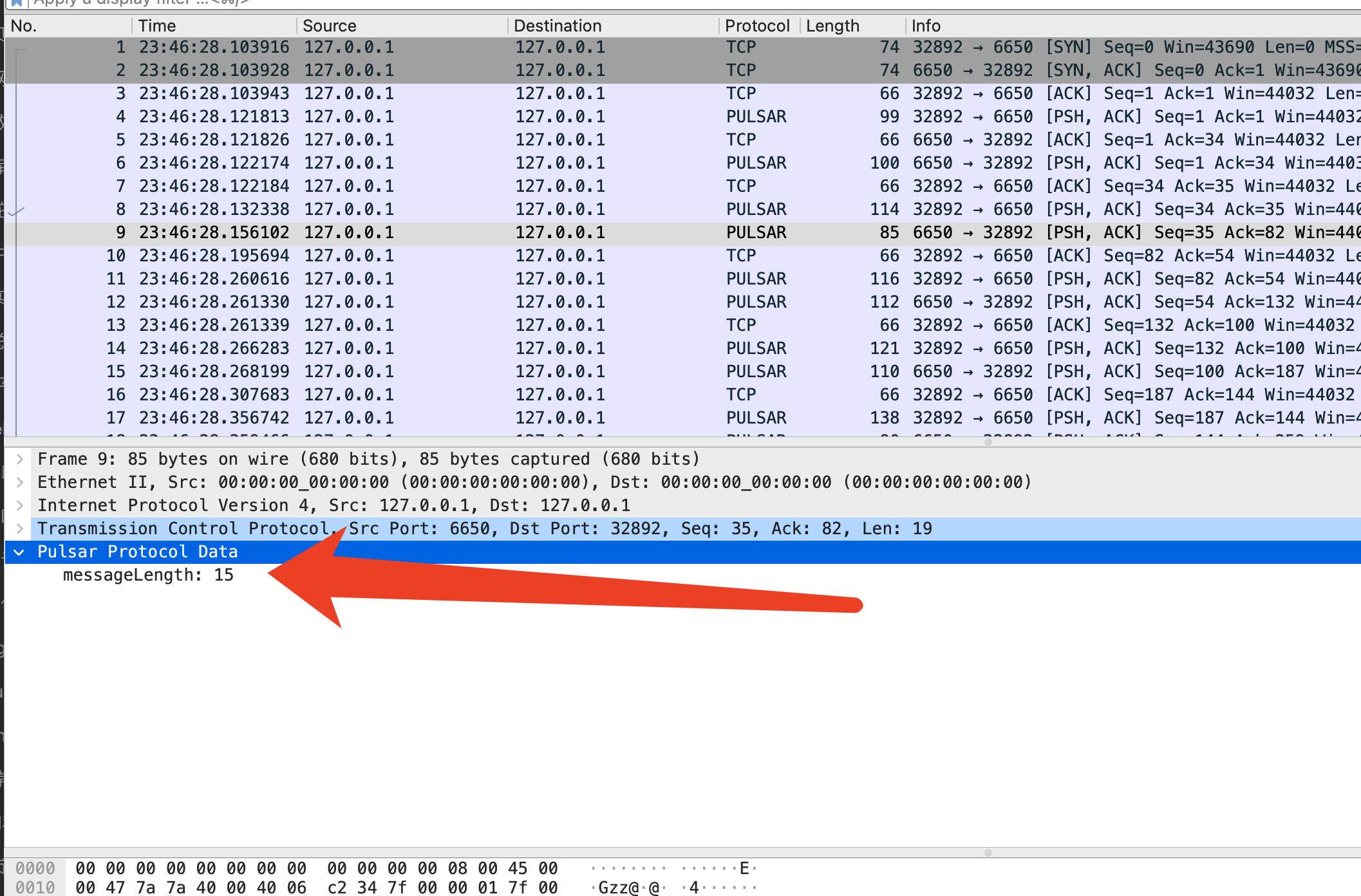
我们添加的message_length字段已经可以显示在Wireshark中了
添加额外信息
protoc加入到wireshark
参考及附录
proto field函数列表
wireshark解析protobuf
https://ask.wireshark.org/question/15787/how-to-decode-protobuf-by-wireshark/